 vpn
Start with the route, not the promise
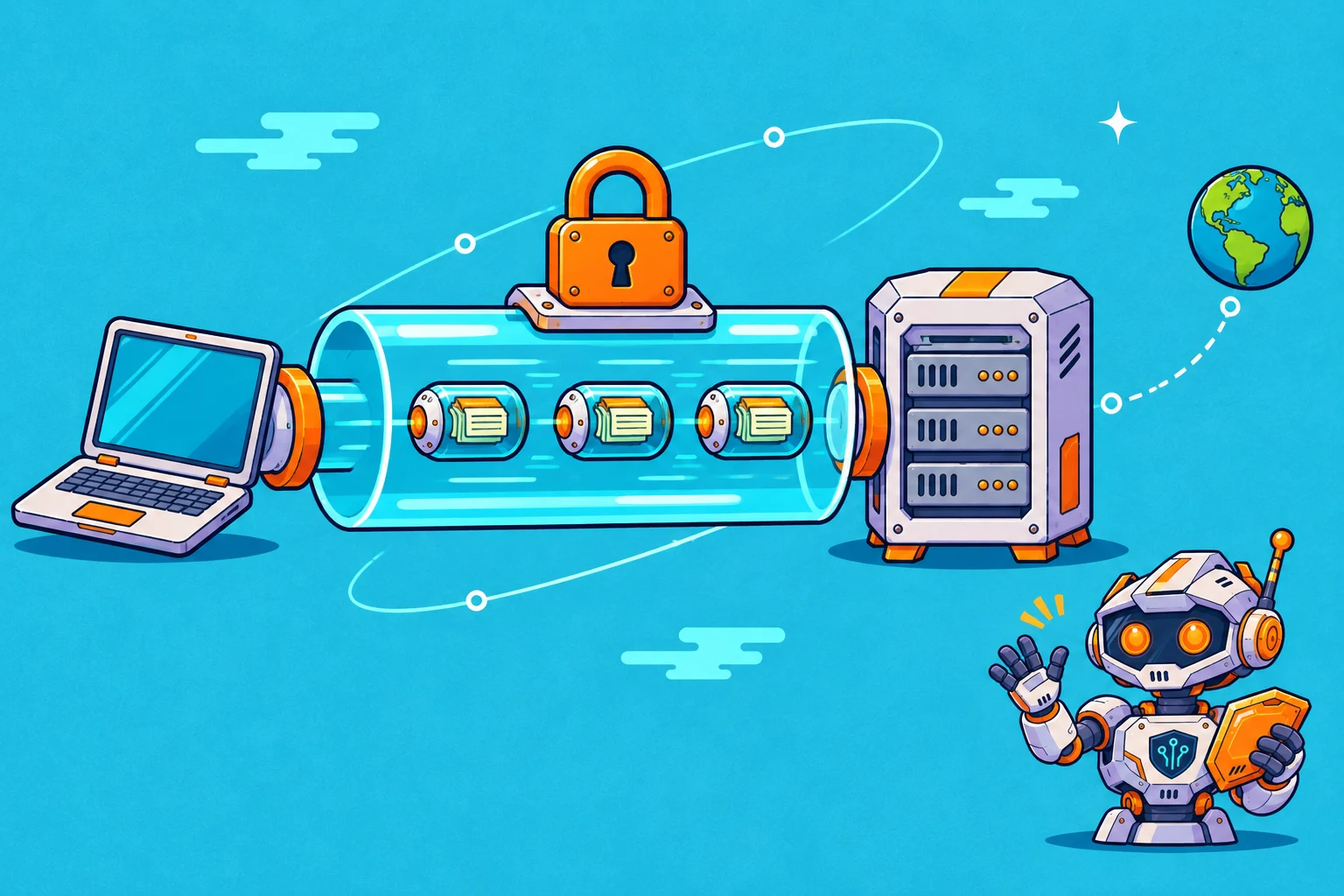
A VPN app establishes a connection to a VPN server. Traffic routed through that connection is encrypted between the device and that server. The server then forwards it toward the destination. This creates an additional network path; it does not move your account or change the information you type into a website.
Think of two separate questions. What can someone observing the local network learn about the connection? And what does the destination website learn about you? A VPN can change some network visibility while leaving account identity unchanged.
The public address websites see
A destination normally sees the public IP address associated with the VPN exit rather than the original connection address for traffic using that tunnel. This is why a VPN app can appear to change your location to the exit region.
An IP address is only one signal. A website can still recognize a signed-in account, existing cookies or information you provide. Changing the exit does not erase those signals, and it should not be treated as a guarantee of anonymity.
Why HTTPS remains part of the story
The VPN tunnel and a website's HTTPS connection have different endpoints. The tunnel reaches the VPN server. HTTPS protects the connection to the supported website. Keep using secure website connections after turning on the VPN.
A browser warning deserves attention even while a VPN is active. The VPN app does not make a certificate warning irrelevant. Read the browser's explanation and use the official address you intended to visit.
The provider becomes part of the route
Because traffic passes through the VPN provider's infrastructure, its practices matter. Read the privacy policy, identify what the provider says it collects and consider the scope of any independent assessment it publishes.
A useful review question is narrower than “Is this provider trustworthy?” Ask which practice was assessed, when the assessment occurred and whether it applies to the app or service you intend to use.
Your next three checks
- Identify the situation you want the VPN to help with
- Check app support and relevant settings for your device
- Read the exact plan and renewal terms before subscribing
Continue with the VPN buying checklist or the privacy guide.
Sources & further reading
Sources help explain the topic. For a product decision, check the current documentation for your specific platform and plan.