 vpn
A sensible order for a first visit
If VPNs are new to you, start with the basics. Learn which part of the route is encrypted, why a provider becomes part of the trust chain and how a website can still recognize a signed-in account. Then move to the buying checklist.
If you already have an app, use the public Wi-Fi or troubleshooting guide to review a specific situation. These pages offer a way to organize your questions, not a remote diagnosis of your network.
Explore the guide library
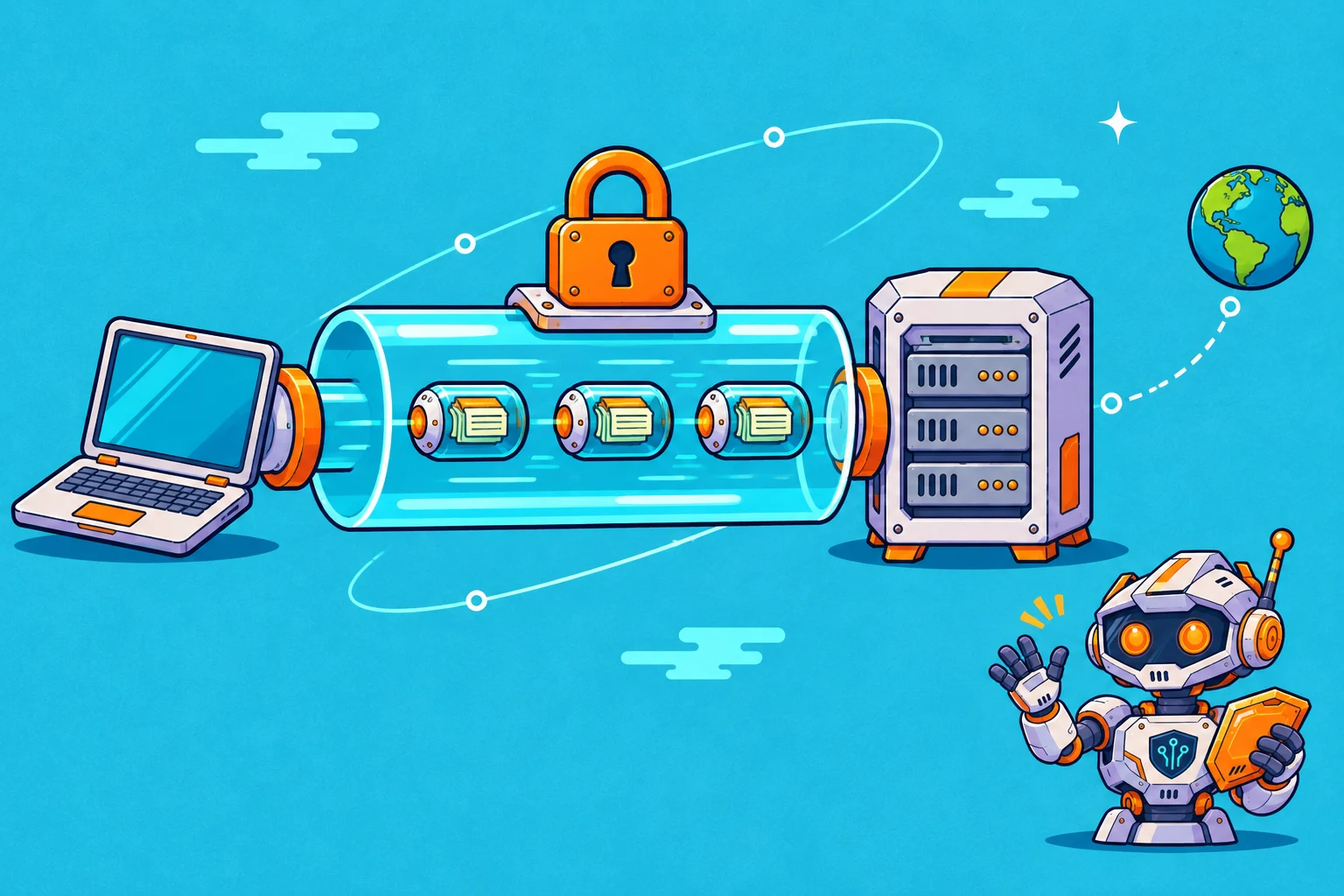
What a VPN changes
Follow the route from your device to the wider web, and understand which part of the journey a VPN changes.
Read the guide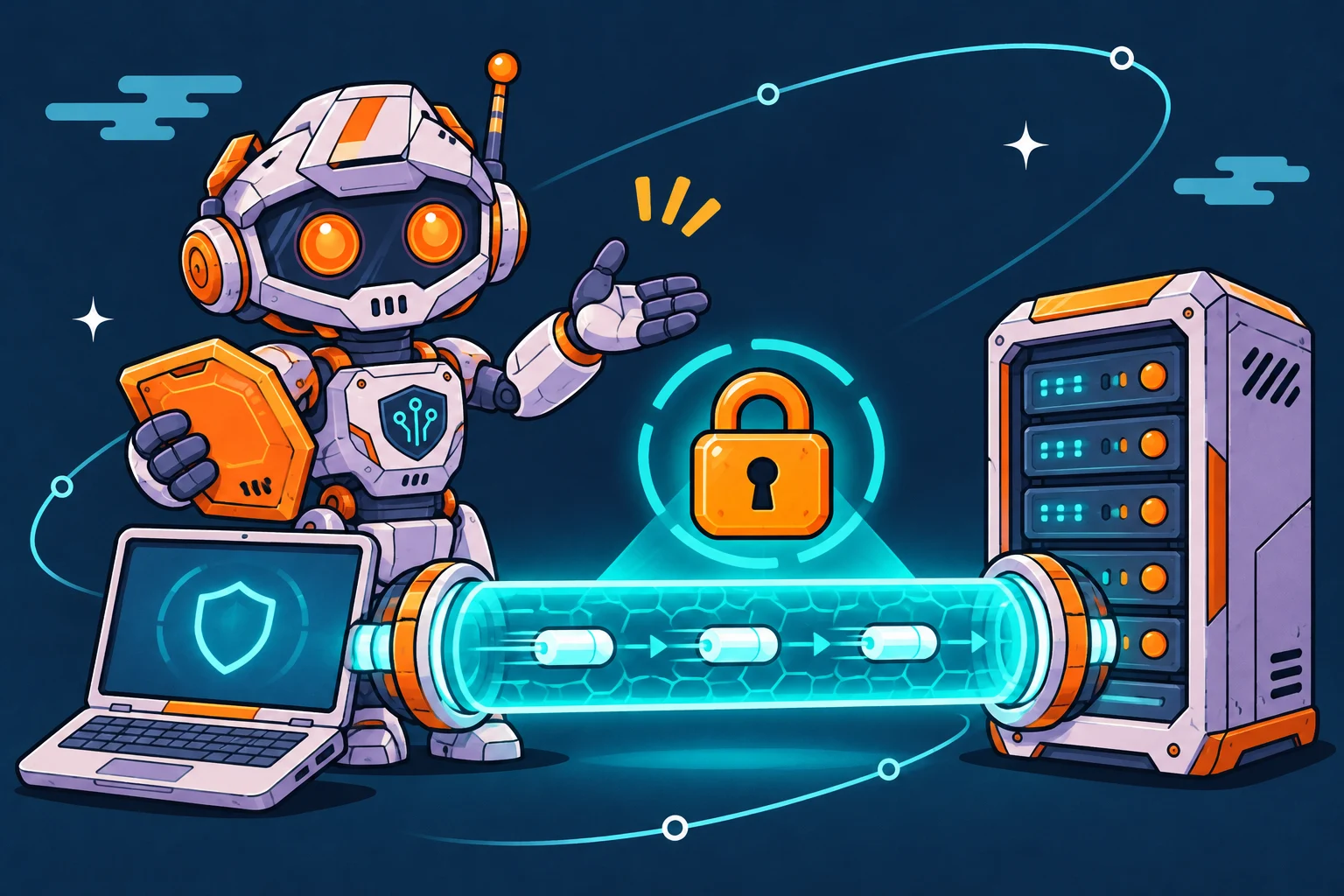
Choose a VPN with a checklist
Compare the things you will use, the amount you will pay and the conditions attached to the subscription.
Read the guide
Use public Wi-Fi deliberately
A practical routine for connecting in a café, hotel or shared space without assuming that one tool solves every concern.
Read the guide
Privacy has more than one layer
Separate a private network route from account identity, browser state and the information you choose to share.
Read the guideFind the point where it breaks
Work through a connection problem in a clear order and keep track of what changed.
Read the guideTurn the reading into a shortlist
Once you understand what you need, open the VPN comparison to inspect documented access options, supported platforms and simultaneous connection allowances. Follow the source links for the current details.
The VPN questionnaire gives you a starting point based on a few preferences. It does not measure your connection or assess every part of your privacy needs.